
Starter$15per user/month
For shared team conversations and repeatable responses.
- SMS and MMS messaging
- Number sharing
- Canned responses and keyword auto replies
- Away messages
- PBX single sign-on
Product detail · CloudMessage.io
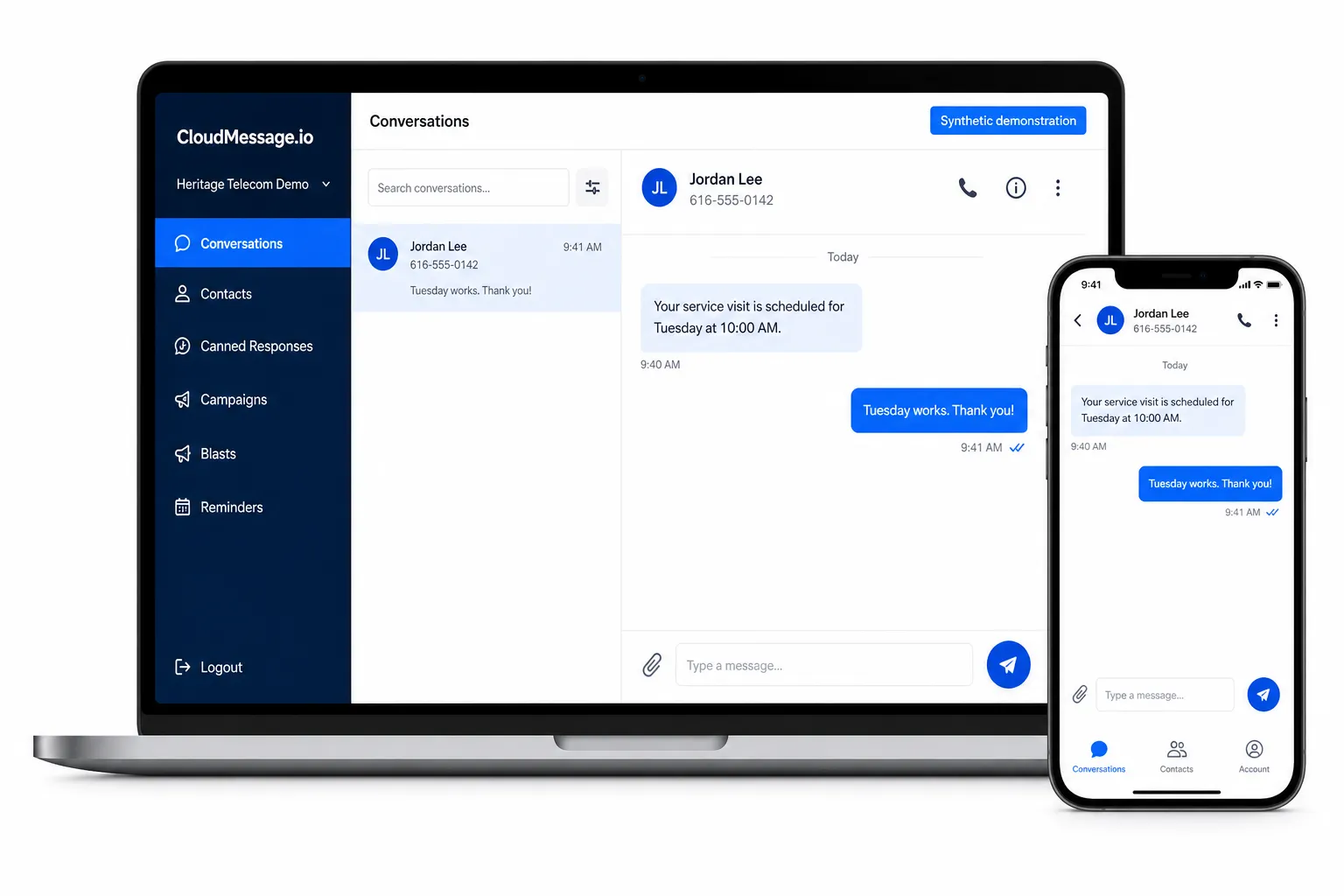
Give a team an accountable messaging workspace on eligible company numbers. CloudMessage.io is a paid workspace for SMS and MMS on eligible company numbers, with plan selection and messaging approval matched to the intended workflow.
Best fit
CloudMessage.io is not presented as the default for every user. Heritage Connect SMS may fit individual-user messaging, while API-driven messaging requires separate technical verification.
Verified product record
Features still depend on the selected plan, approved number, registration, and Heritage configuration.
Verified plans
Both application plans are billed per user/month. Every Heritage SMS service also requires the shared 10DLC, Campaign, number-enablement, and message-usage foundation.
For shared team conversations and repeatable responses.
For teams that also need approved campaign, scheduling, or integration features.
Registration and vetting charges do not guarantee approval. No unlimited-message, all-inclusive, approval, or integration-availability promise is made. Approved implementation or integration work may remain separate.
Before activation
Document the audience, message purpose, sending numbers, authorization method, reply handling, and operational owners.
Provide a campaign-aligned privacy policy, messaging terms, opt-in language, HELP/STOP behavior, and representative message samples where required.
Verify the 10DLC Brand and approved Campaign where applicable, then confirm the eligible number and selected interface.
Confirm the approved plan and configuration, number behavior, team access, replies, opt-out behavior, and representative workflows before launch.
Boundaries
Consent, opt-out, acceptable use, carrier requirements, content rules, and applicable legal obligations remain part of the customer’s program. Heritage’s guide provides working preparation examples, not legal advice or an approval guarantee.
Numbers and access
An eligible existing Heritage number or a new dedicated number may be considered. An eligible number may be shared with Heritage Connect when the approved design supports both team and user workflows.
Email can be the primary two-way interface only when the number is not assigned to Heritage Connect or CloudMessage.io. Copies sent to email do not create an immutable archive or guarantee retention, discovery, access control, deletion, or legal sufficiency.
Common questions
No. It is a separate paid business-messaging product. Heritage Connect is included for eligible managed phone-system users, but SMS still requires subscribed business SMS service and an approved configuration.
No. The required $4 Brand registration, $40 Brand vetting, $40 Campaign vetting, $10/month Campaign, $2 per telephone number/month SMS enablement, $7 per 500 messages, and approved implementation or integration work are separate.
No. Campaign approval and number enablement are not immediate or guaranteed. A complete, accurate submission and the applicable external review are required.
No. Features and integrations depend on the selected plan, Heritage configuration, third-party requirements, and approval for the intended workflow.
Customers with assigned CloudMessage.io access can use the approved customer login. Access depends on the services and credentials assigned to the organization.
Open customer loginRelated solution