Heritage Connect SMS
Fits an eligible phone-system user who needs one-to-one business texting inside the same desktop and mobile application used for calling.
Review Heritage ConnectBusiness Messaging
Give employees an accountable way to send and receive messages from approved company numbers—through Heritage Connect, CloudMessage.io, email, or a software-driven workflow.
Set the calendar honestly: A complete 10DLC Campaign commonly needs one to two weeks for review. Requests for corrections, additional evidence, carrier review, and final number registration can extend that window.
Before the first message
Brand + Campaign + eligible numberChoose the working surface
Start with who sends the message and what must happen next. The approved number and registration are shared foundations; the user experience follows the workflow.
Fits an eligible phone-system user who needs one-to-one business texting inside the same desktop and mobile application used for calling.
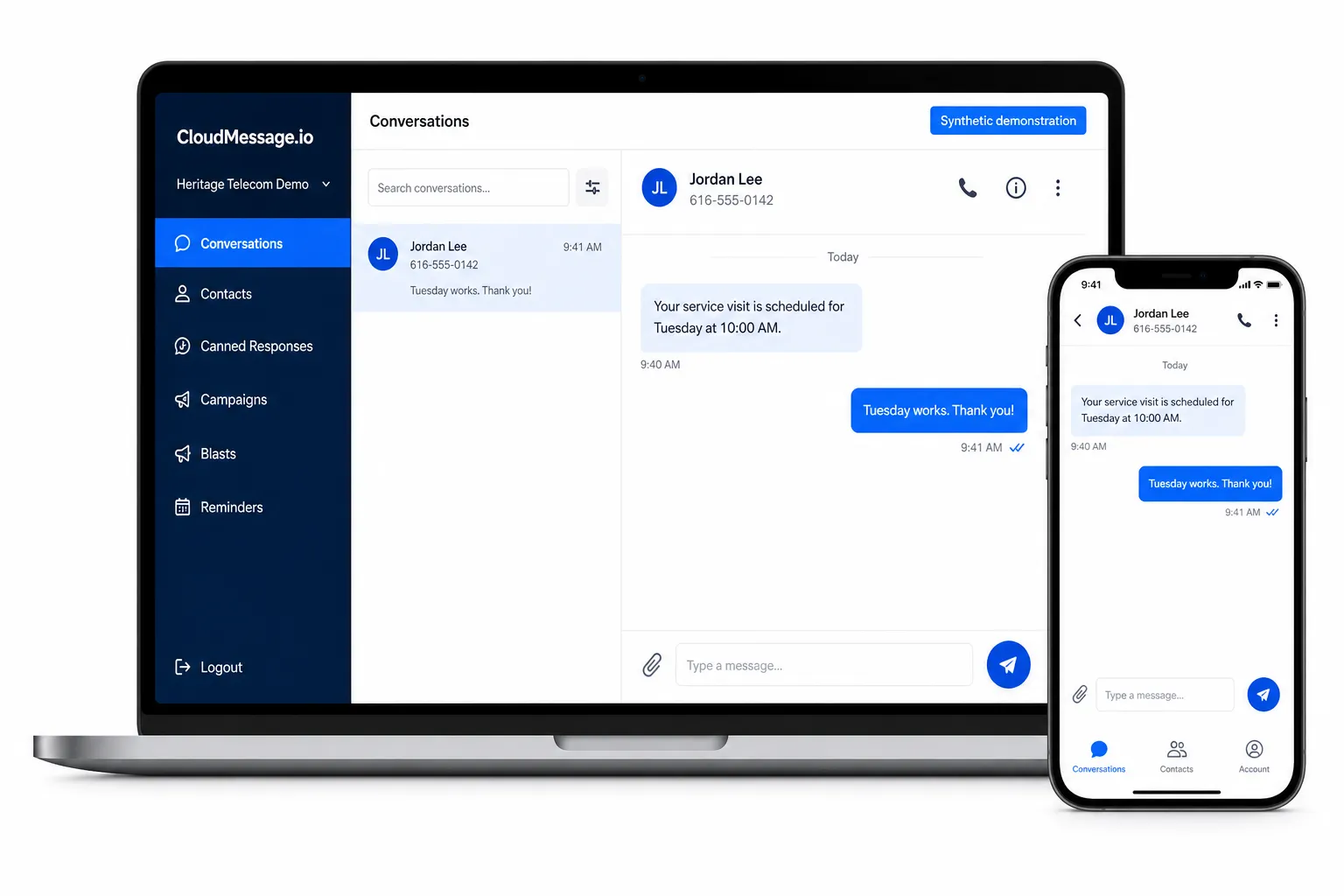
Review Heritage ConnectFits teams that share messaging numbers, coordinate conversations, reuse responses, and add approved campaign or integration features.
Compare its plansFits an authorized workflow where business software must send, receive, or react to messages. Exact API behavior, implementation, ownership, and billing require discovery.
Review the SMS APITargeted comparison
| Need | Heritage Connect SMS | CloudMessage.io | SMS API |
|---|---|---|---|
| Best fit | Individual user messaging | Shared team workspace | Software-triggered workflow |
| Human conversation | Primary fit | Primary fit | Must be designed |
| Shared team access | Not the primary model | Primary fit | Must be built |
| Lists, blasts, and drips | Not the primary model | Professional plan | Custom implementation |
| Keyword auto replies | Configuration-dependent | Starter and Professional | Custom implementation |
| Trigger from business software | Limited | Supported integrations vary | Primary fit |
| Billing unit | Phone-system user plus messaging services | Per user plus messaging services | Discovery, service, and usage |
Appointment scheduling by text
The SMS Scheduling Agent checks a connected scheduling platform, offers eligible openings, accepts the customer's selection, and repeats the appointment details for confirmation.
Current connection paths include Motion and SimplyBook.me. Microsoft, Google, and generic CalDAV connections, including Zimbra, are planned and are not represented as available today.
Configured workflow: Appointment rules, ambiguous requests, unavailable times, errors, handoff, messaging registration, and data handling are reviewed for the selected platform. Setup and ongoing service charges apply.
Explore the SMS Scheduling AgentMessaging pricing
10DLC registration, an approved Campaign, and an SMS-enabled telephone number are required for Heritage SMS services. Add the selected application or workflow charge after that foundation.
Registration and vetting charges do not guarantee approval. Message usage is billed separately at the rate shown.
The required messaging foundation and usage charges remain separate.
Choose Starter or Professional according to the team workflow.
Configuration/setup and applicable scheduling-platform charges remain separate.
Volume, provider architecture, Campaign, and implementation requirements shape the price.
For direct team conversations and repeatable responses without campaign tooling.
For teams that need scheduled outreach, lists, multi-step campaigns, or supported integrations.
10DLC readiness
10DLC registration tells the messaging ecosystem who is sending, what they intend to send, and how recipients authorize and stop messages. Heritage helps organize the submission; the customer owns the truth and operation of the campaign.
Name the people receiving messages, what they will receive, why they receive it, and whether the program is conversational, informational, or marketing.
Document every way a person can opt in—website form, signed form, verbal permission, keyword, QR code, or a consumer-initiated conversation.
Align the website, opt-in language, privacy policy, messaging terms, contact details, and representative message samples.
Submit the customer’s accurate legal identity and business details for verification. A Campaign cannot proceed until the Brand is verified.
Register the actual use case, authorization flow, samples, HELP and STOP behavior, and required public URLs for review.
After approval, associate eligible numbers, test consent and opt-out behavior, confirm users, and launch only the registered workflow.
A reviewer needs to reach the business website, opt-in method, privacy policy, and messaging terms without a login. Brand names, domains, contact details, samples, and use cases should tell one consistent story.
The planning window begins after a complete Campaign is submitted. Corrections, evidence requests, special use cases, carrier review, and number registration can add time.
New message purposes, authorization methods, audiences, numbers, or content may require updated disclosures, registration, and review.
Prepare the evidence
Adaptable privacy, messaging-terms, consent, HELP/STOP, and campaign examples live in one working resource.
Common questions
No. One to two weeks is a planning expectation after a complete submission, not a guarantee. Reviewers may request corrections or evidence, and some use cases require additional review.
No. Starter and Professional are per-user application charges. The shared 10DLC fees, $10/month Campaign, $2 per telephone number/month SMS enablement, $7 per 500 messages, and approved implementation work are separate.
Yes. Heritage Connect SMS, CloudMessage.io, the SMS Scheduling Agent, and SMS API workflows require the applicable 10DLC registration and Campaign approval, SMS enablement for each telephone number, and associated charges before launch.
Often, yes, when the number, carrier path, registration, and selected interface are eligible. Heritage validates the number before committing to the design.
No. The actual policy and opt-in flow must accurately describe the customer’s practices, campaign, industry, and applicable requirements. The guide provides working examples, not legal advice or an approval shortcut.
The production workflow should launch only after the required Brand and Campaign approvals, number enablement, and end-to-end testing are complete.
Design before registering